Section
How-to
Step-by-step guides for common gaming problems and upgrades.
 How-to
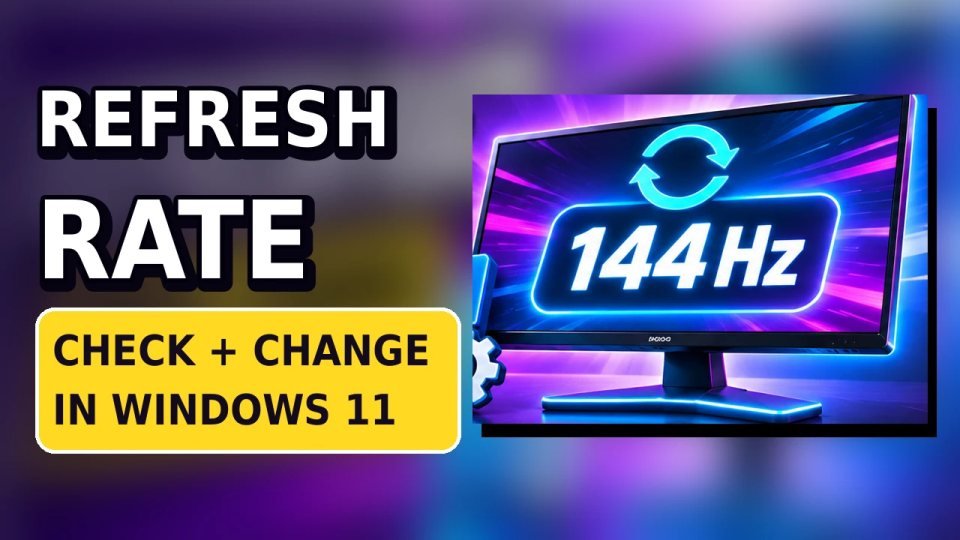
How to Check and Change Your Monitor Refresh Rate in Windows 11
Is your high refresh rate monitor really running at its top speed? Check and change the rate in Windows 11, and learn what the asterisk and Dynamic refresh rate mean.
 How-to
Game Crashing or Missing Textures? Run DxDiag and Verify Steam Files
A game that crashes or shows missing textures can often be checked in minutes. Use Microsoft's DxDiag tool and Steam's file verification, step by step.
 How-to
How to Free Up Drive Space and Move Steam Games to Another Drive
Running out of space for big game downloads? Check free space in Windows, clean up safely and move Steam games to another drive, with Microsoft's and Steam's own steps.
 How-to
How to Check Your PC Specs Before You Buy or Install a Game
Find your processor, RAM, graphics card and Windows version in a few minutes with Settings, DxDiag and System Information, then compare them with a game's requirements.
 How-to
Phantom Blade Zero on PC: requirements, DLSS, Denuvo and release time
Phantom Blade Zero PC requirements from Steam, DLSS 4.5 and path tracing support per NVIDIA, Denuvo, the 28 vs 29 October release date and what is still unconfirmed.
 How-to
Call of Duty Modern Warfare 4 on PC: requirements, TPM and Secure Boot
Official Modern Warfare 4 PC requirements for minimum, recommended and ray tracing, plus 115 GB storage, TPM 2.0, Secure Boot, Resizable BAR and AVX checks.
 How-to
Final Fantasy Resonance on PC: specs, price and launch day checklist
Release date, price, official PC requirements, Steam versus Microsoft Store and a practical checklist to get your PC ready for Final Fantasy Resonance.
 How-to
How to update graphics drivers safely
When to update your graphics driver, where to download it, how to install it without problems and how to go back if a new version causes crashes or stutter.
 How-to
Windows settings that help gaming performance
A short list of Windows settings worth checking for gaming: power mode, Game Mode, graphics preferences, background apps, storage and updates, and what to leave alone.
 How-to
How to reduce input lag and ping in online games
Input lag and ping are two different delays. See how to measure each one and the practical changes that cut them, from display settings to your network setup.