Hardware
SSD or HDD for Games, and What NVMe Changes
An SSD makes games load noticeably faster than a hard drive, while NVMe over SATA usually adds only a little. Here is what to buy, what to expect and what to avoid.
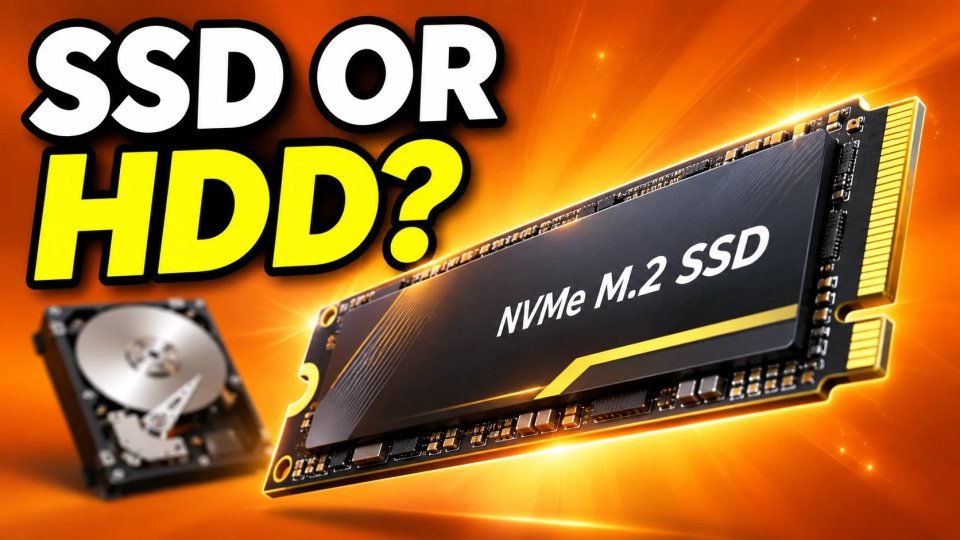
Where you install a game changes how long you wait at the loading screen, and sometimes how smoothly new areas appear. The choice is between a hard disk drive (HDD), a SATA solid state drive (SSD) and an NVMe SSD. This guide explains what each one does for games, how big the difference really is and how to decide without overspending.
What the three types are
- HDD: a spinning disk. It is cheap per terabyte and fine for storage, but it is the slowest at reading many small files, which is what a game does when it loads a level.
- SATA SSD: flash storage with no moving parts. It uses the older SATA connection, so its speed is capped well below newer drives, but it is still much faster than an HDD for loading.
- NVMe SSD: flash storage that connects directly through PCIe, usually as a small stick on the motherboard (M.2). It can move far more data per second than SATA.
How much faster is an SSD than an HDD
For loading screens, the jump from an HDD to any SSD is the change you will notice. In a Phoronix test of several games, a game with lots of assets to load was about 10 seconds quicker on an SSD than on an HDD, and another loaded about 3 seconds faster. Those tests were run on Linux in 2017, so treat the numbers as an example, not a promise for today's games. Your own result will depend on the game, so use these figures only as an example.
An SSD does not raise your frame rate in most games. It cuts loading time, and it can reduce stutter in games that stream parts of the world from the drive while you play. If your FPS is low during play, the cause is usually your graphics card or processor. See how to tell if your CPU or GPU is limiting your FPS.
What NVMe changes
The same Phoronix test found that NVMe drives were only a few seconds faster than a SATA SSD in some games and often showed no significant difference at all. Its conclusion was that a gaming-only PC would likely do better with a larger SATA SSD than with a fast NVMe drive. That test is old, so the picture can change in games built to use fast storage.
Microsoft's DirectStorage is the main reason NVMe may matter more later. In its announcement for PC, Microsoft says any storage device can benefit, but installing games on an NVMe SSD maximizes input and output performance. The post promises faster load times and does not give numbers. DirectStorage only helps in games that support it, and that is still a small list, so check the game's own notes before you pay extra.
Which one should you get
- Still on an HDD for your main games: move to any SSD first. This is the biggest improvement for the money.
- Already on a SATA SSD: an NVMe drive is a small upgrade for loading times in most games. Do it when you need space or are building a new PC, not just for speed.
- Building or upgrading: if your motherboard has a free M.2 slot, compare the price of an NVMe drive with a SATA one of the same size. If they are close, NVMe is a reasonable default. Check current prices and independent reviews before buying.
- Mixed setup: keep the games you play most on the SSD and put old or rarely played games on the HDD.
Common mistakes
- Buying a very expensive top-speed NVMe drive for gaming only. For games, capacity usually matters more than the last bit of speed.
- Filling the SSD to the top. Leave some free space, because a full drive can slow down and leaves no room for updates.
- Installing a game that lists an SSD as required on a hard drive. It may stutter or load very slowly. Check your PC specs before installing a game.
- Expecting an SSD to fix shader stutter. That is a separate problem, explained in shader compilation stutter.
Quick checklist
- Install your favorite and newest games on an SSD.
- Use an HDD only for games you rarely play.
- Pick NVMe if the price is close and you have the slot.
- Keep free space on the drive.
- Use our game download time calculator to plan big installs before you move games around.
Verified with (2)
We check each fact against at least two independent sources and write the text ourselves.


