FPS and Performance
Shader Compilation Stutter: What It Is and What Helps
Why a PC game can stutter the first time you see an effect, why updating drivers brings it back, and what you can do about it, from precompiling to simple habits.
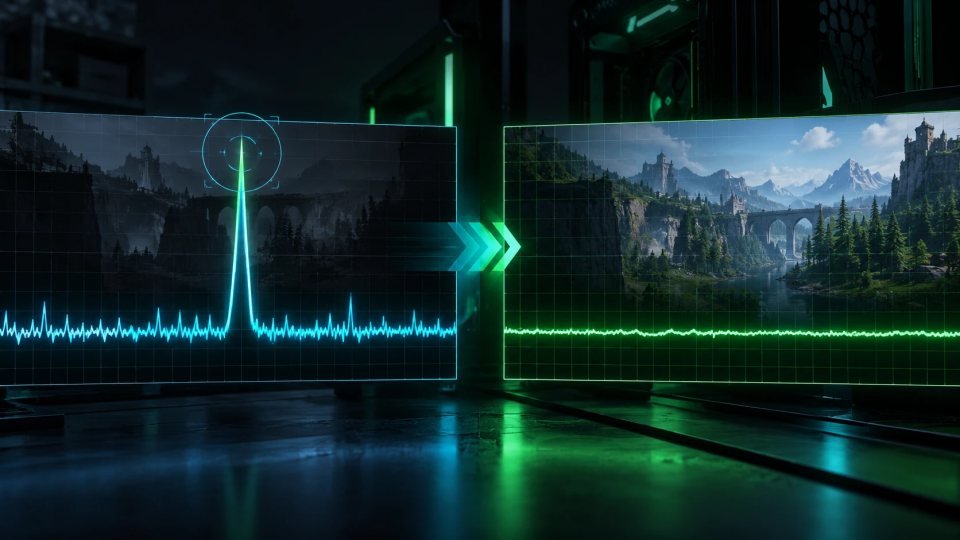
You load a new PC game, your frame rate counter looks fine, and yet the picture hitches every time a new enemy, spell or explosion shows up. This is often shader compilation stutter. After reading this guide you will know what causes it, why it can come back after a driver update, and which habits reduce it.
What shaders are and why they must be compiled
Shaders are small programs that tell your graphics card how to draw lighting, surfaces and effects. A game ships them in a general form. Before your graphics card can use one, the driver has to turn it into code that fits your exact GPU. Microsoft describes this as compiling, and notes that the result depends on the game, the GPU and the driver.
That work takes time. If the game does it at the moment an effect first appears on screen, the frame has to wait, and you see a hitch. The same step can also happen at launch behind a loading screen, which is why some games spend a while "compiling shaders" before you can play.
Why consoles are usually smoother
A console has one known set of hardware, so developers can prepare shaders ahead of time and ship them with the game. PCs come in countless combinations of GPU, CPU and driver, so many games compile on the fly instead. Once a shader is compiled, it is saved to disk, which is why the same area often feels better the second time you visit it.
Why it can come back
Compiled shaders are stored in a cache tied to your GPU and driver. According to Microsoft, a driver update invalidates that cache. After you update, a game may need to compile again, and the stutter can return for a while. The same happens when you change graphics hardware.
What helps
- Let precompiling finish. Some games build their shaders at first launch or from the main menu, and this can take from a couple of minutes to much longer. If you skip it, expect hitching. If a game lets you resume it from its settings, do that.
- Expect a rough first hour after a driver update. If you play a competitive game and care about smooth frame times, install a new driver when you have time to play through the rebuild, not right before a match. Our guide on updating graphics drivers safely covers when an update is worth it.
- Measure it correctly. Shader hitches show up in frame times and in your 1 percent lows, not in the average FPS number. Our guide to FPS, frame time and 1 percent lows explains how to read those numbers.
- Check before you buy. Stutter problems at launch are common enough that user reviews often mention them. A look at recent reviews can save you a refund request.
What the industry is doing about it
Microsoft has announced Advanced Shader Delivery. The idea is to compile shaders in the cloud ahead of time and deliver them with the game download, so your PC skips the compiling step. Microsoft reports that launch times in Avowed dropped by as much as 85 percent. At the time of that announcement it covered the ROG Xbox Ally handhelds, with key titles from the Xbox PC app, and other stores were not supported yet. Check the current status before counting on it, because support is expected to grow.
Common mistakes
- Treating every hitch as a weak GPU. If the problem goes away when you replay an area, it is more likely shaders than raw power.
- Assuming lower settings will fix it. If the hitch happens once per new effect and fades later, the cause is compiling, not a heavy setting. If the frame rate is low all the time, look at graphics settings that cost the most.
- Deleting the shader cache without a reason. It forces the whole rebuild again.
Quick checklist
- Let shader precompiling finish before you play.
- Stutter that fades when you replay an area is a sign of shaders, not weak hardware.
- Update drivers on your schedule, and expect a short rebuild afterward.
- Watch frame time and 1 percent lows, not only average FPS.
- Read recent reviews for shader complaints before you buy.


